

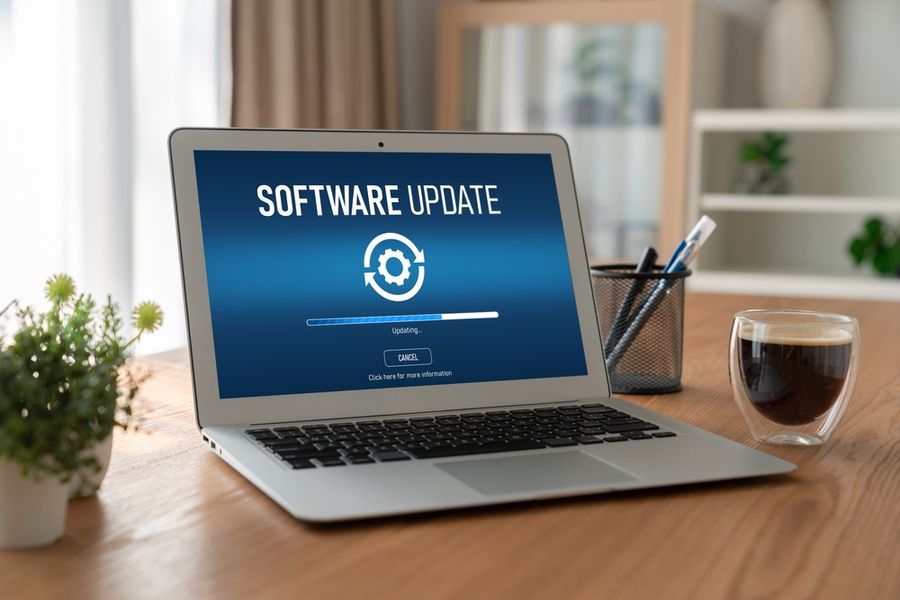
Software quietly supports nearly every digital task, from sending messages to managing finances and controlling home devices. While updates may seem inconvenient or easy to postpone, they play a critical role in keeping systems functional and secure. Behind every update is a process designed to improve performance, fix problems, and adapt technology to changing demands. Understanding how updates function helps explain why they are a routine part of modern digital life rather than an optional interruption.
What Software Updates Are Designed to Do
Software updates are packages of changes released by developers to improve existing programs or operating systems. These changes often address bugs that cause crashes, slow performance, or unexpected behavior. Some updates refine existing features, while others add new functionality to meet user needs or support new hardware.
Beyond visible improvements, many updates focus on behind-the-scenes stability. Adjustments to system processes help software run more efficiently and communicate properly with other programs. Without regular updates, small issues can accumulate over time, leading to larger failures. Updates ensure that software continues to operate as intended in evolving digital environments.
How Updates Are Delivered and Installed
Most modern devices use automated systems to deliver software updates. Developers release updates through centralized servers, which devices check periodically for new versions. When an update is available, users may receive a notification or have the option to install it automatically based on settings.
During installation, updated files replace or modify existing ones while preserving user data. Some updates require a restart to complete system-level changes. Interrupting the process can cause errors, which is why devices often restrict usage during installation. Understanding this process helps explain why updates sometimes take time and require uninterrupted completion.
Security Fixes Are a Major Priority
One of the most important reasons for software updates is security protection. Cyber threats constantly evolve, and attackers look for weaknesses in widely used software. When vulnerabilities are discovered, developers release updates to close security gaps before they can be exploited.
Delaying security updates increases the risk of data breaches, malware infections, and unauthorized access. Updates strengthen encryption, improve authentication methods, and block newly identified attack methods. Regularly installing updates is one of the most effective ways to protect personal information and maintain trust in digital systems.
Compatibility and Performance Depend on Updates
Software rarely functions on its own. Programs must interact smoothly with operating systems, hardware components, drivers, and other applications to perform correctly. As devices and platforms evolve, updates ensure continued compatibility by adjusting how software communicates with newer systems. Without regular updates, applications may experience crashes, display error messages, or stop working altogether as older code becomes incompatible with modern environments.
Performance improvements are another major focus of software updates. Developers analyze usage patterns and system behavior to identify inefficiencies that slow down devices. Updates may optimize processing tasks, reduce memory consumption, or improve how applications manage background activity. Over time, these refinements help software run faster and more reliably. Updated programs place less strain on system resources, resulting in smoother operation and improved overall performance across devices.
Why Updates Sometimes Feel Disruptive
Despite their importance, software updates can feel inconvenient or disruptive to daily routines. Installations may require system restarts, temporarily limit device use, or introduce visual changes that take time to adjust to. Larger updates can also consume significant bandwidth, leading to longer download times and interruptions, particularly on slower internet connections.
These disruptions are typically intentional and unavoidable. Updates often modify core system files that cannot change while software is actively running. Restart requirements ensure that new components load correctly and old processes are fully replaced. Scheduling updates during low-usage periods can reduce frustration. Understanding the technical reasons behind interruptions makes the short-term inconvenience easier to manage and accept.
Keeping Technology Reliable Over Time
Consistent software updates are essential for maintaining long-term technology reliability. Updates resolve known issues before they develop into serious problems and ensure systems remain aligned with current standards. Over time, unaddressed bugs and outdated code can lead to instability, security risks, and diminished performance.
Staying current with updates helps technology adapt to new demands without requiring premature replacement. Devices that receive regular updates tend to last longer and perform more predictably. Maintaining updated software supports smoother daily use, fewer unexpected failures, and greater confidence in digital tools. When systems evolve alongside user needs, technology remains a dependable part of everyday life rather than a recurring source of frustration.